
Performance, Without a Rebuild
- Core Web Vitals are Google ranking signals and conversion drivers. Both point the same way.
- The usual culprits: bloated apps, unoptimized images, render blocking scripts, and heavy themes.
- Shopify’s own tooling (Lighthouse, Theme Inspector) catches most issues if you know where to look.
- Measurable gains are possible without a full rebuild, if the right constraints are enforced.
Site speed on Shopify is one of those topics where everyone agrees it matters and almost no one actually invests in it until conversion numbers force them to. The patterns are predictable: stores start clean, accumulate apps, add scripts, layer on pixel integrations, and six months later the Lighthouse score has quietly collapsed.
Here is a practical breakdown of what actually slows Shopify stores down, how we fix it, and what the impact looks like.
Why speed matters: vitals, conversion, and ranking
Google’s Core Web Vitals measure three things: Largest Contentful Paint (how fast the main content loads), Interaction to Next Paint (how responsive the page is to input), and Cumulative Layout Shift (how much the page jumps around as it loads). All three are ranking signals, and all three correlate with conversion.
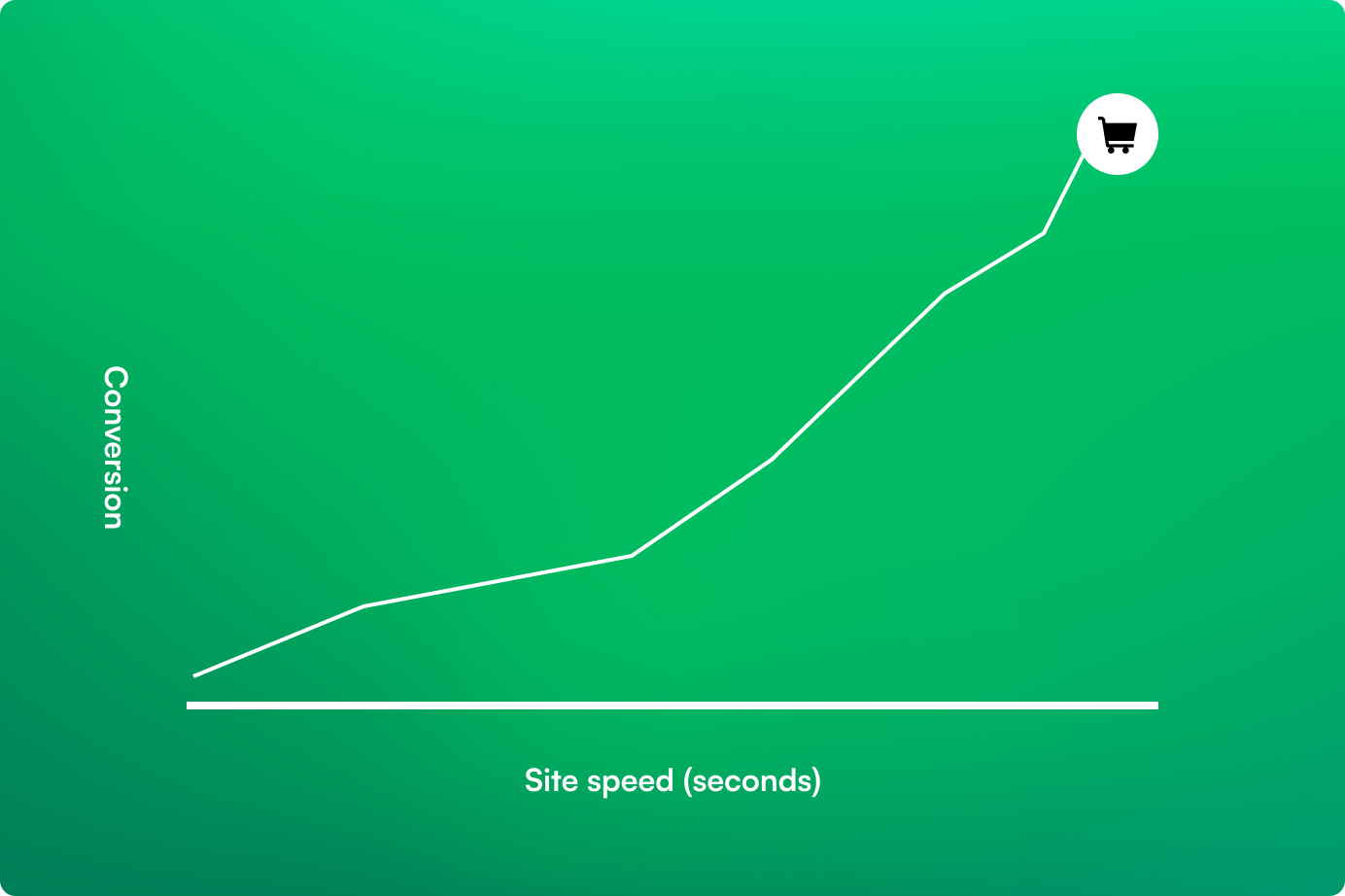
The conversion impact is well documented. Every second of load time reduces conversion measurably, with the sharpest drop between 1 and 3 seconds. For a store doing $1M a year, a half second improvement in page speed can mean real revenue, not a theoretical one.
What actually slows Shopify stores down
The usual suspects, in roughly the order we see them on audits.
- App bloat. Every Shopify app injects scripts, and some inject badly. Reviews apps, upsell apps, popup apps, and analytics layers are the most frequent offenders.
- Unoptimized images. Hero images served at 3000 pixels wide for a 1440 pixel viewport, uncompressed PNGs, images without responsive sizing.
- Render blocking scripts. Tag managers loading synchronously, fonts blocking first paint, A/B testing tools injecting in the critical path.
- Heavy themes. Some third party themes are built with maximalist defaults and every possible feature enabled. Even unused features still ship code.
- Third party pixels. Facebook, TikTok, Pinterest, analytics, chat widgets. Each one seems small; cumulatively they are not.
How port80 approaches optimization
Our performance work follows a consistent sequence.
- Baseline. Run Lighthouse on homepage, product, collection, and cart on both mobile and desktop. Capture Core Web Vitals and real user metrics from Search Console or CrUX.
- Audit the app stack. Every app gets evaluated on: is it actively used, does it inject scripts, can the same functionality be achieved natively or with a lighter alternative.
- Asset review. Images, fonts, CSS, and JS. Compress, subset, defer, lazy load.
- Script management. Move non critical scripts to async or defer. Remove anything unused. Consolidate tag managers where possible.
- Theme audit. If the theme is the bottleneck, identify the specific files and features dragging performance. Sometimes a focused refactor beats a full rebuild.
- Re measure. Run Lighthouse again and track CrUX data over the following 28 days.
Shopify specific tips
A few Shopify native levers that are often overlooked.
- Use Shopify’s theme inspector to profile Liquid render times. Some apparently simple pages have slow sections.
- Remove uninstalled apps properly. Uninstalling an app does not always remove its script tags. Check your theme files.
- Let Shopify’s CDN handle images. Use img_url with explicit sizing and WebP where supported. Avoid external image hosting.
- Audit the checkout if you are on Plus. Checkout scripts via Extensions are much lighter than old checkout.liquid customizations.
- Use section rendering API for dynamic updates instead of full page reloads.
Measuring results
Lighthouse is the quick feedback loop but lab data only goes so far. The real measure is CrUX data, which reflects actual user experience across Chrome. Google Search Console shows Core Web Vitals performance over time, and that is the number that feeds into ranking.
Site speed is not a one time project. It is a discipline. The stores that win on performance are the ones that audit regularly, enforce constraints on new apps and scripts, and treat Core Web Vitals as a real metric rather than a quarterly reminder.
We’ve Done This Before

Erik’s Bike Board & Ski
VTEX to Shopify Plus 2.0 migration with custom filtering, mobile-first UX, and a 27% conversion lift for a cycling retailer.
View Case Study
Hudson Grace
Magento to Shopify 2.0 migration with subscription purchasing, store pickup, and optimized performance for a premium retailer.
View Case Study
Surplus City
Shopify Plus 2.0 migration with streamlined inventory, modernized UX, and scalable operations for a liquidation retailer.
View Case StudyBook a Performance Audit
We will audit your Shopify store against Core Web Vitals, identify the biggest wins, and prioritize the fixes by effort and impact.