What You Need to Know
- Brands running Lightspeed POS alongside a separate ecommerce platform are managing two inventory systems, two customer databases, and double the admin work
- Shopify POS and Shopify’s online store share a single backend, which means inventory, customers, and orders are unified in real time
- The migration involves moving product data, customer records, and reconfiguring your in-store hardware for Shopify POS
If you are running Lightspeed POS in your retail locations and a separate platform for your online store, you already know the pain. Two systems means two inventory counts, two customer databases, and a constant battle to keep everything in sync. The move to Shopify unifies your POS and ecommerce under one platform, and that changes everything about how your business operates day to day.
We have helped retail brands make this transition, and the operational improvement is immediate. No more manual inventory reconciliation. No more customers showing up in one system but not the other. One dashboard for everything.
What Lightspeed Does Well and Where It Falls Short
Lightspeed is a solid POS system, especially for restaurants and certain retail verticals. But for brands that sell both in store and online, the ecommerce side has limitations. Lightspeed’s online store builder does not offer the same depth of customization, app ecosystem, or checkout experience that Shopify provides. And the integration between Lightspeed POS and third-party ecommerce platforms is often fragile.
What Unified POS and Ecommerce Actually Means
On Shopify, your online store and your physical retail locations run on the same backend. When a product sells in store, inventory updates online instantly. When a customer buys online and picks up in store, the transaction is tracked in one place. Gift cards work across channels. Customer profiles merge purchase history from every touchpoint.
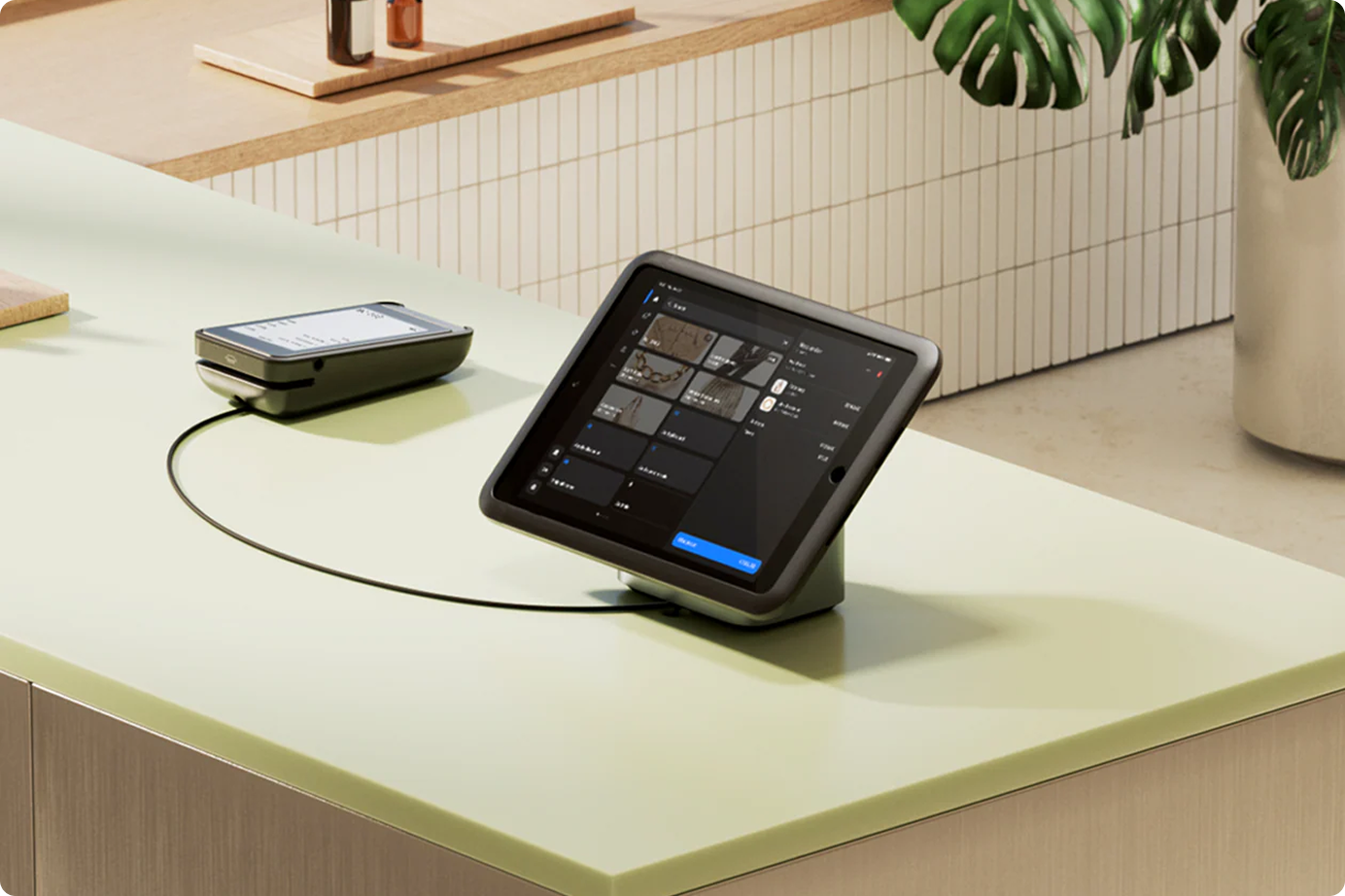
For multi-location retailers, this eliminates the most common operational headaches: overselling, inventory discrepancies between locations, and disconnected customer data.
What the Migration Involves
Product data and customer records need to be exported from Lightspeed and imported into Shopify. Lightspeed uses its own data structure, so mapping fields to Shopify’s format requires attention. Your in-store hardware (card readers, receipt printers, barcode scanners) will need to be evaluated for Shopify POS compatibility or replaced with Shopify’s own hardware.
Staff training is also part of the project. Your retail team needs to learn Shopify POS, which is intuitive but different from Lightspeed’s interface. We typically build in one to two weeks for training and parallel running before cutting over fully.
Is It Worth It?
If you are a retail brand that sells both in store and online, unifying on Shopify removes an entire category of operational problems. The short-term effort of migrating pays for itself quickly in reduced admin time, fewer inventory errors, and a better customer experience across channels.
We’ve Done This Before

Pacific Angler
Shopify 2.0 storefront with pro-grade gear filters, local pickup, course bookings, and fishing reports for Vancouver's top tackle shop.
View Case Study
Protected: ONE Boardshop
There is no excerpt because this is a protected post.
View Case StudyRunning two systems when you should be running one?
We unify POS and ecommerce on Shopify for retail brands. Let’s simplify your operations.