The Tasks Worth Automating First
- Shopify Flow is a free, no-code automation tool available on Basic, Grow, Advanced, and Plus plans.
- Every workflow is built from three parts: trigger, condition, action.
- Merchants we work with save 10 to 20 hours per week by automating tagging, alerts, and fraud checks.
- On Plus, Flow gets more powerful when combined with custom apps, Shopify Functions, and B2B.
If your team spends hours each week tagging orders, flagging risky customers, or chasing low stock alerts, you are paying people to do work a machine should be doing.
Shopify Flow is the automation tool that solves this. It is free, it does not require a developer to set up, and it runs quietly in the background while your team focuses on growth. Here is what it does, ten ways we use it with clients, and how it gets even more powerful on Shopify Plus.
What Shopify Flow is and why it matters
Shopify Flow is Shopify’s built in automation platform. You build workflows using a visual drag and drop builder, with no code required. Each workflow is a simple sentence: when something happens in your store, check a condition, then take an action.
Originally a Plus only feature, Flow is now available on Basic, Grow, Advanced, and Plus plans. The app is free. What makes it worth paying attention to is how much manual work it removes. Merchants on the Shopify App Store consistently report saving 15 to 20 hours per week after rolling out their first handful of workflows.
10 practical Shopify Flow examples we build for clients
These are real workflows we have set up for port80 clients. Most take less than 30 minutes to build and start saving time on day one.
- Low stock alerts. When a variant drops below a set threshold, send an email or Slack message to the ops team so reorders never get missed.
- High value order tagging. Automatically tag orders over a dollar threshold so your fulfillment team can prioritize or apply white glove handling.
- Fraud flagging. When an order’s risk score is medium or high, hold fulfillment and notify the team for review before anything ships.
- Loyalty tier upgrades. When a customer’s lifetime orders hit a threshold, tag them as VIP and send a thank you SMS or Klaviyo trigger.
- New customer welcome. Tag first time customers, add them to a segment, and route them into a welcome email series.
- Chargeback protection. If a customer has had a chargeback, tag them high risk so future orders get a second look.
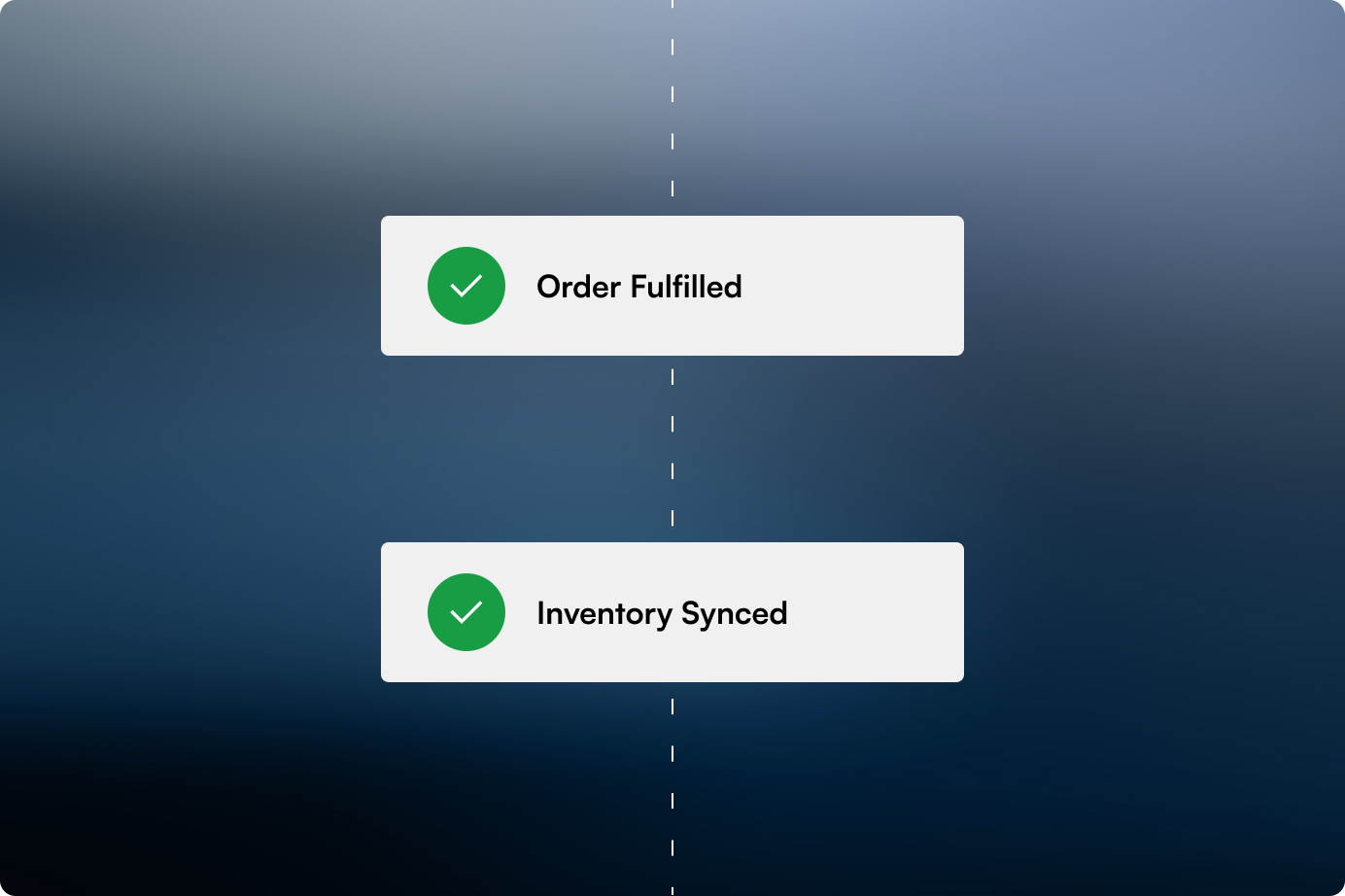
- Out of stock cleanup. Automatically unpublish products when inventory hits zero and notify marketing so ads can be paused.
- Vendor routing. When an order contains items from a specific vendor, automatically email that vendor with the order details.
- Back in stock triggers. When inventory is restocked, fire an event into Klaviyo or your email tool to notify waiting customers.
- Daily order summaries. Run a scheduled workflow that compiles yesterday’s orders into a single summary email for the team.
How port80 implements Flow for clients
We usually start with an audit. Before we build anything, we sit down with your ops, customer service, and marketing teams and ask what tasks they repeat daily. The answers are almost always the same: tagging orders, checking stock, chasing risky transactions, manually pulling reports.
From there we prioritize the two or three workflows that will save the most time, build them, and test them before they go live. The rule we stick to is simple: if a task gets repeated more than five times a week, it is a candidate for Flow.
Where it gets powerful: Plus, custom apps, and Functions
On standard plans, Flow is already useful. On Shopify Plus it becomes a different animal. Plus merchants can pair Flow with Shopify Functions for custom logic that runs at the edge, with no latency. They can trigger workflows based on B2B company account activity. And they can connect Flow to custom apps we build, so internal tools and ERPs can fire actions across Shopify automatically.
One example: a B2B client uses Flow to watch for new company account creation, pulls their ERP data, auto assigns a catalog and pricing tier, and notifies their account manager in Slack. No one on their team touches it. That is what good automation looks like.
If you are not using Shopify Flow yet, the first workflow pays for itself within a week. If you are already using it and feel stuck on the basics, there is a lot of room to push it further, especially if you are on Plus.
We help merchants build the workflows they actually need, connect them to custom apps and third party tools, and make automation part of how the store runs day to day.
We’ve Done This Before

Protected: ONE Boardshop
There is no excerpt because this is a protected post.
View Case Study
Protected: Coast Appliances
There is no excerpt because this is a protected post.
View Case Study
Expand Furniture
Shopify 2.0 revamp with advanced product customization, 3D visualization, and simplified navigation for modular furniture.
View Case StudyBook an Automation Consult
Tell us about the tasks your team does every day. We will show you which ones Flow can handle.